Ideal Grid
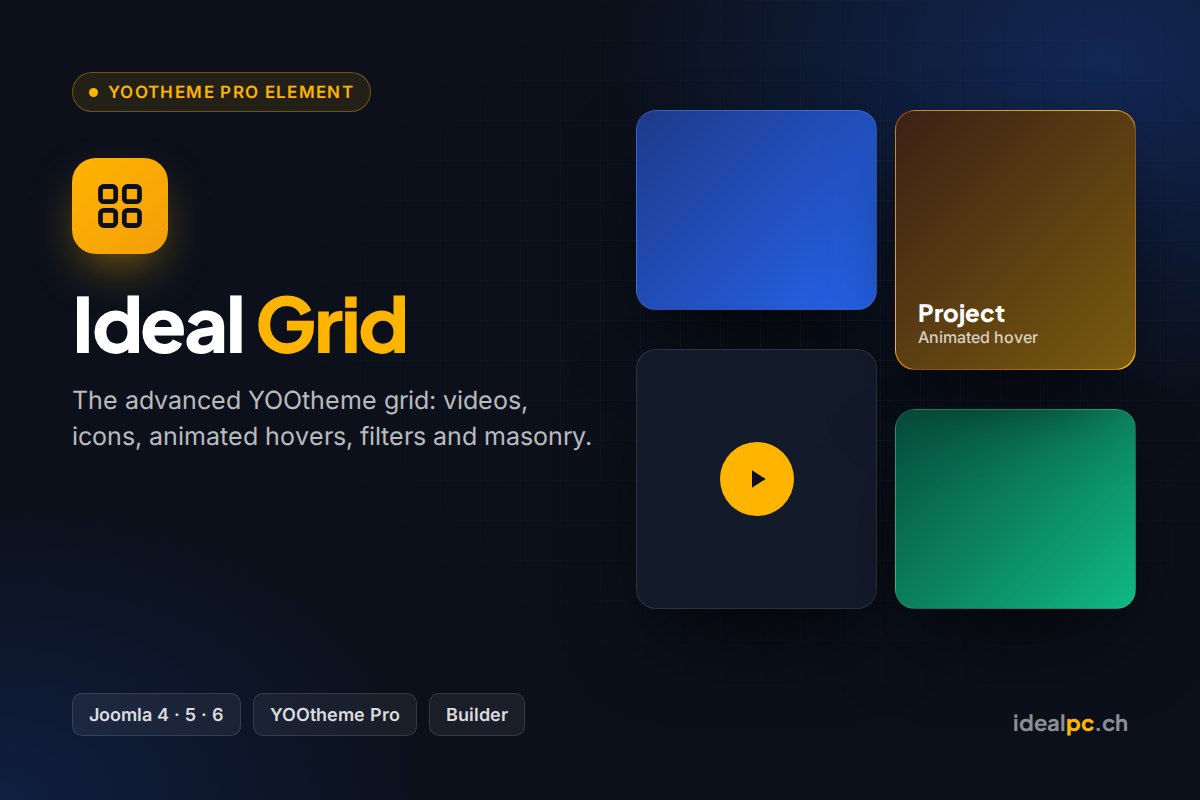
The full YOOtheme Pro grid, plus text on hover, badges, gradient and frosted-glass overlays.
CHF 29.–
Secure card payment via Stripe · Instant download · Prices in Swiss francs
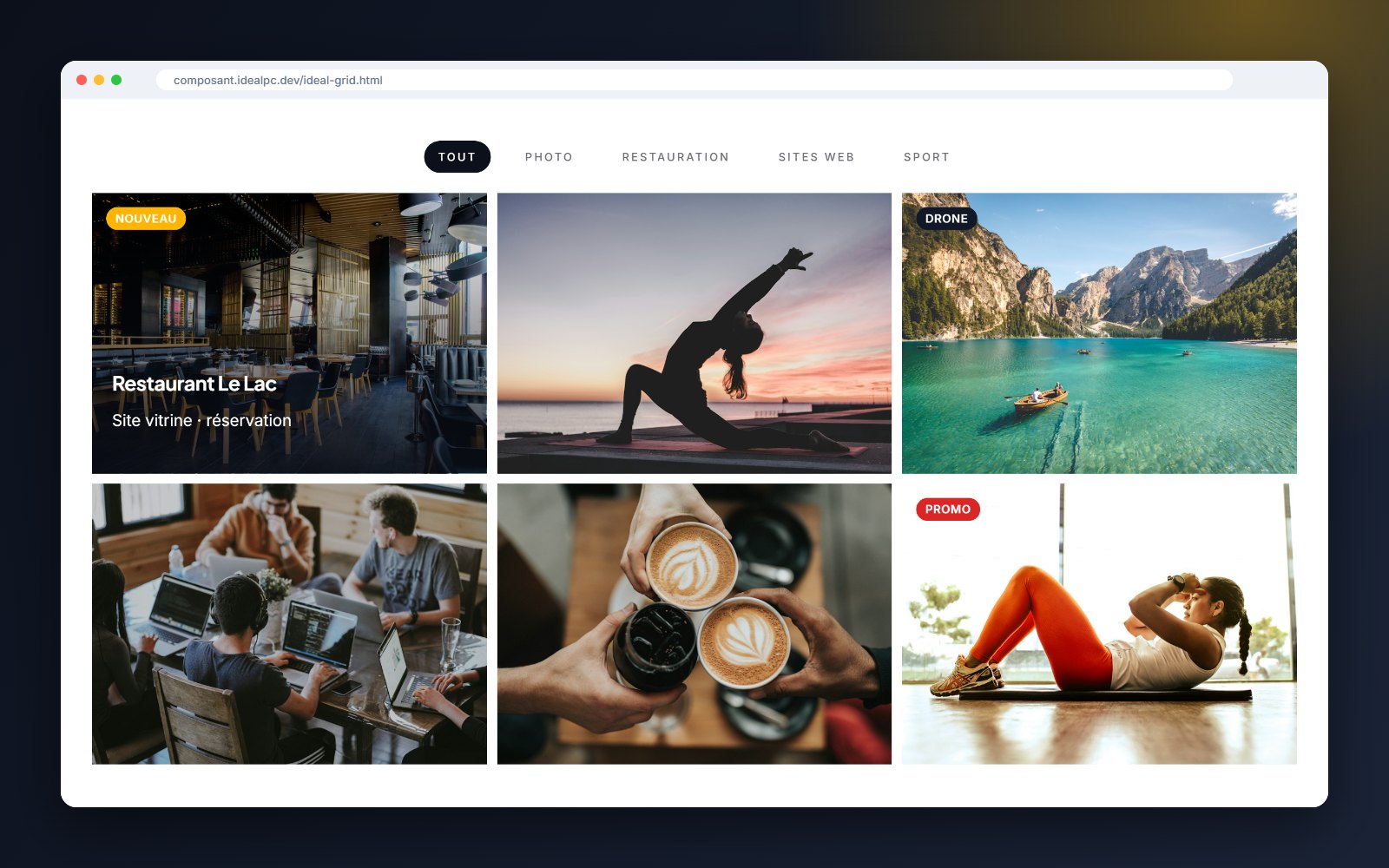
Ideal Grid takes the entire YOOtheme Pro grid and adds what it lacks for a portfolio, a shop or a team page: text on image hover, badges and polished hover effects. Everything is set in the page builder, without a single line of CSS.
Screenshots



What Ideal Grid adds to the YOOtheme grid
| Feature | YOOtheme Grid | Ideal |
|---|---|---|
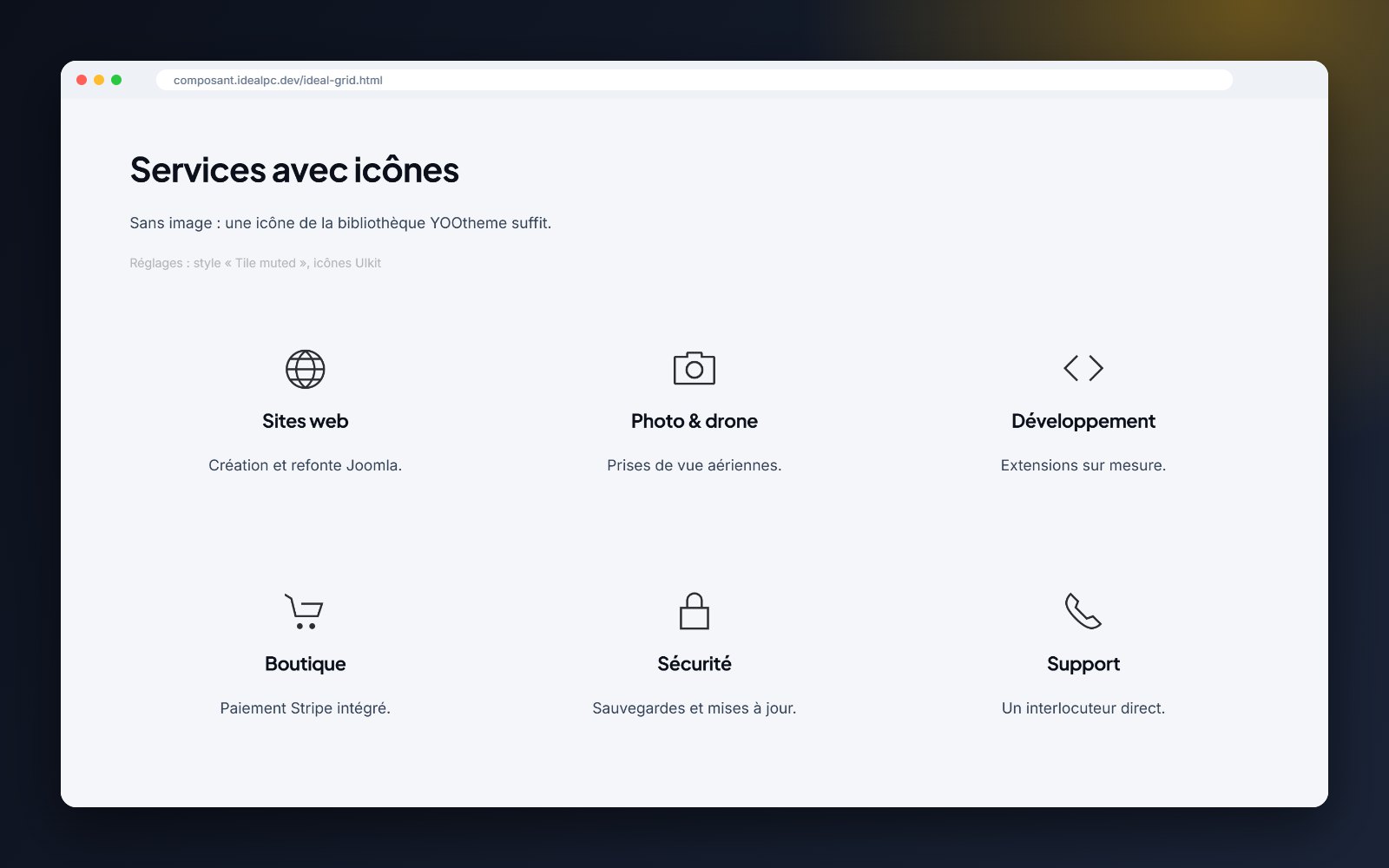
| Images, videos, icons, filters, masonry, lightbox | ✓ | ✓ |
| Title and text shown on the image on hover | — | ✓ |
| Hover background: gradient, frosted glass (blur), theme colours | — | ✓ |
| Hover text position (centre, bottom) and animation (fade, slide, zoom) | — | ✓ |
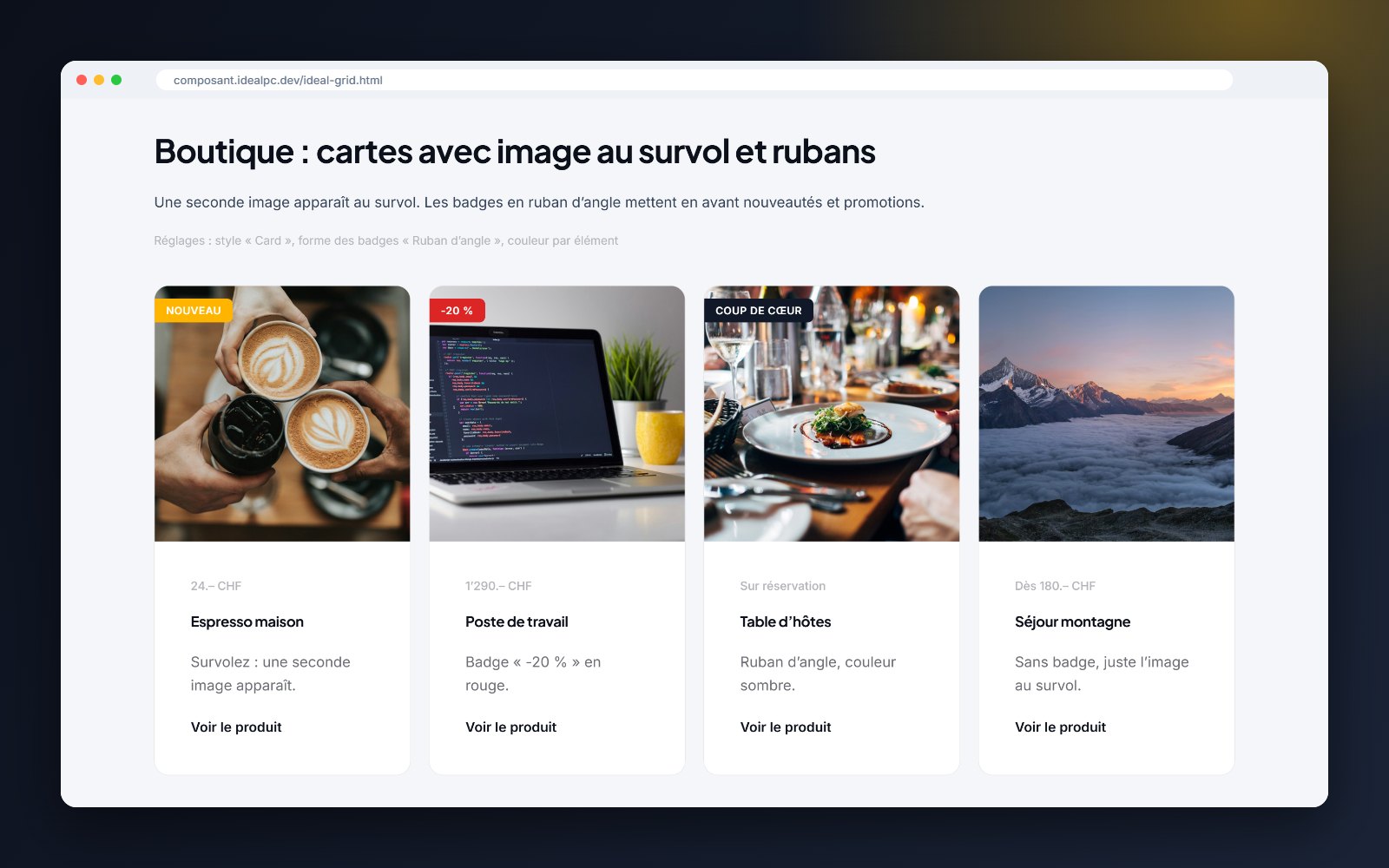
| Badges on the image: 6 colours, 4 positions, 3 shapes including a corner ribbon | — | ✓ |
| Hover text always visible on mobile (option) | — | ✓ |
| Element filed in the “IdealPC” group with its own icon | — | ✓ |
What’s new in versions 1.2 to 1.5
- Version 1.5: the grid opens on the tag of your choice (e.g. “Christmas”), “All” at the start or the end of the menu, and each item’s tags are shown in colour in the builder
- Version 1.4: settings translated into English, French, German and Italian; Joomla 4.4 compatibility verified
- Per-item badges (“New”, “Sale”, “-20%”…) with colour, position and shape
- Three new hover backgrounds, positions and animations
- Direct ZIP installation: no more unzipping
- Automatic updates in Joomla with your licence key
- Fixes: ghost “Read more” button with the lightbox, “image at bottom” variant, hover title unreadable on some themes
Compatibility
Settings in YOOtheme are shown in the administrator’s language; on a multilingual site, the texts visitors see follow the language of each page.
Included
Instant download after payment and a licence key sent by e-mail. Paste it once in Joomla (System › Update Sites): for 1 year, every new version appears in System › Update › Extensions and installs in one click. E-mail support included.